Rich UI in Gemini Enterprise: A Field Report on A2A Agents and A2UI Primitives
Who this is for: A2A agent authors targeting Gemini Enterprise who need to know exactly which v0.8 primitives work, which have drifted from the docs, and how to compose them into real multi-step flows.
Since this went live on the v0.8 Legacy renderer, Google has activated v0.9 in Gemini Enterprise. I re-ran the same probes against it: all 18 primitives below still render exactly as documented, so everything in this report still holds. Still unchanged: custom catalogs remain unavailable in standard tenants — see "A Fairly Quiet Space" below.
Previously on A2UI
A2UI is a declarative UI protocol created by Google, with real community contributions from teams at Flutter and CopilotKit — for the full spec and governance details, a2ui.org remains the authoritative source, not this post.
In short: A2UI equips an agent with a curated catalog of battle-tested UI components. Instead of a model freehanding raw markup, it composes interfaces from pre-approved primitives. Putting aside benefits like token efficiency for a moment, this guarantees that an agent's output becomes consistent, repeatable, and resilient (some level of reasoning is still needed from the model).
Google Cloud's Gemini Enterprise
Most AI platforms hand you a map to the boiler room and wish you luck — Agents, Agent Registries, routing logic, model selection. Gemini Enterprise is betting the everyday business user shouldn't need any of that. They showed up because someone promised this tool could make their workday easier, not to learn agent infrastructure.
The platform's job is to make complexity invisible, not merely documented.
For enterprise adoption to scale, we need resilient UIs that agents can drive with zero friction — or as I keep coming back to: "useful for humans, declarative for AI Agents."
It is a bold move for Google to dogfood the A2UI protocol and bake it directly into the Gemini Enterprise console. Supported by agent orchestration capabilities like A2A and enterprise controls like Model Armor, an agentic-ready UI surface is the missing piece. (Though at the time of writing, if you want to leverage A2UI with your own agent, you need to use an A2A-based agent — see a2ui.org's own A2A extension spec.)
What Is Under the Hood?
Gemini Enterprise ships a closed-source client renderer pinned to v0.8 — officially the Legacy tier on a2ui.org's own version table — of the A2UI protocol. Currently, the catalog of recognized primitives is a fixed set of 18 — effectively defining the agent's native UI capabilities (unchanged from that Legacy v0.8 through Stable v0.9, Current v0.9.1, and the v1.0 release Candidate).
Without A2UI, an agent in Gemini Enterprise has very limited UI capabilities (spoiler: it can't even display an image natively). With it, those 18 primitives unlock full interactive workflows — video, audio, sliders, and tabs that no chat card has ever had natively, and, as the two demos further down show, real server round-trips that compute, render, and write files back out.
I have been able to get all 18 primitives to render, and everything is interactive round-trips — buttons dispatch real actions, text fields two-way bind, tabs switch, modals open. The findings below are the recorded output from actual messages sent to a real Gemini Enterprise chat, against a live A2A agent — captured and pin-annotated automatically via Playwright.
One more thing worth knowing before the gallery: GE renders only the
standard v0.8 catalog — point it at your own catalogId and you get
Unknown element, the same flat rejection any unrecognised component
gets.
A Fairly Quiet Space
While A2UI is in its infancy, public exploration remains sparse. Beyond a notable project by GDE Martin Hawksey — AppSheet2Agent, which uses Google's Antigravity SDK to generate custom agents that make AppSheet data conversational, complete with A2UI v0.8 cards, inside Gemini Enterprise's chat — there is very little focused material on UI execution inside the console.
You may have seen Google's impressive Google Maps demo showcasing
restaurant findings inside an embedded frame. However, that demo offers a
glimpse into the future: the customcatalog it depends on is not
currently exposed in standard Gemini Enterprise tenants, drawing a blank
if you attempt to reproduce it natively today.
Gotcha: GE runs the Legacy v0.8, but the docs you'll find default to the v1.0 Candidate
Fifteen primitives render on the obvious payload. The three that required
non-obvious payloads — Tabs, Modal, MultipleChoice — all for the same reason: GE ships
the Legacy v0.8 renderer, but the docs you hit first (a2ui.org)
default to the v1.0 release Candidate, which changed exactly these
components. Build to v1.0 and GE rejects or crashes on it with errors
that point nowhere. The real spec is the v0.8 Zod schema:
a2ui-project/a2ui → renderers/web_core/src/v0_8/schema/common-types.ts.
The specific traps:
- It's
MultipleChoice, notChoicePicker(renamed in v1.0). Wrong name → a flatUnknown element. tabItems(Tabs) andoptions(MultipleChoice) are bare arrays, not{"literalArray": …}-wrapped — even though containerchildrenis wrapped, in{"explicitList": …}. Guess wrong → an opaque`te`Tabs`crash.- Modal's fields are
entryPointChild/contentChild, nottrigger/content, and there's noopenfield.
The 18 primitives, one at a time
Each entry below is a real capture, pin-annotated — the technical fact (field name, real shape) and the plain-language read, side by side. Grouped by what they're for, not alphabetically: Containers, Actions & round-trips, Inputs, Navigation, Overlays, Media & display. Each card also carries a Chat Cards v2 equivalence badge: ✓ fully working the same way, ~ partial or with a quirk, ✗ no client-bound equivalent at all in Cards v2.

01Containers
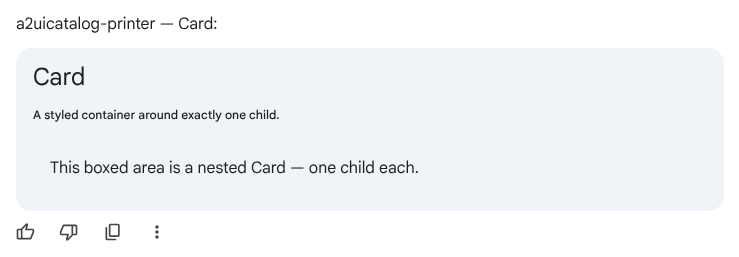
Card
containerGoogle Chat Cards v2 ✓A single-child container with card styling.
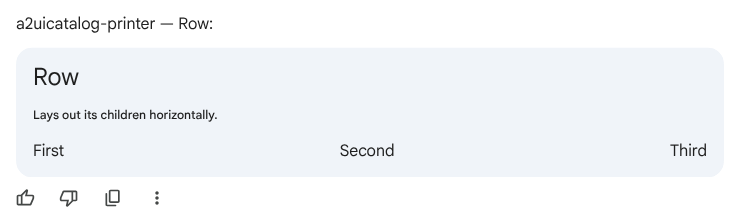
Row
containerGoogle Chat Cards v2 ✓Horizontal layout container.
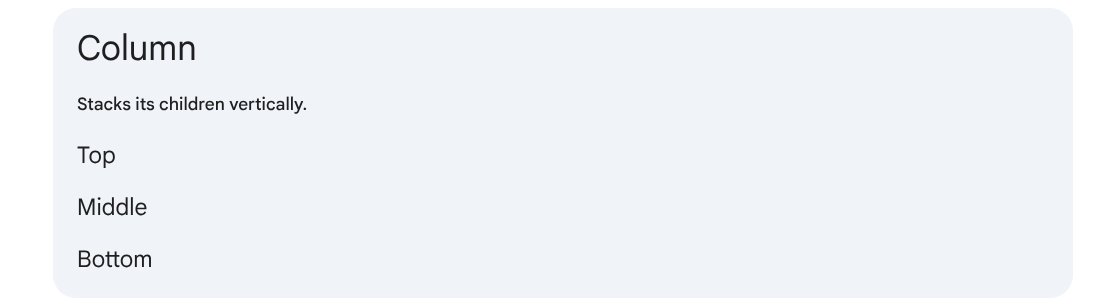
Column
containerGoogle Chat Cards v2 ✓Vertical layout container.
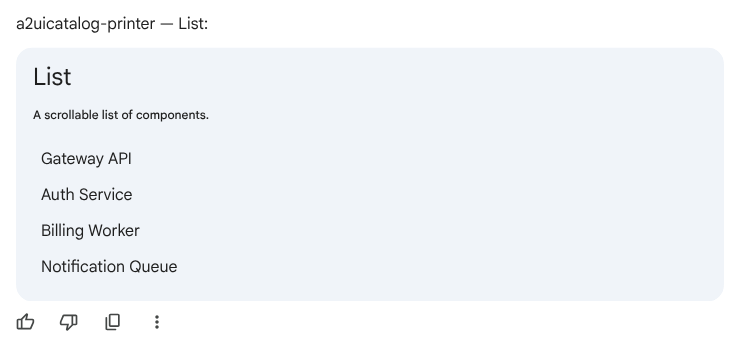
List
containerGoogle Chat Cards v2 ✓A scrollable list container.
02Actions & round-trips
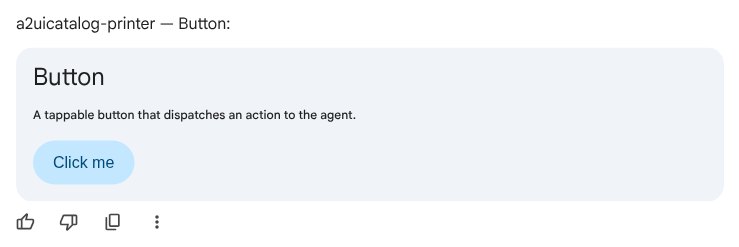
Button
action · round-tripGoogle Chat Cards v2 ✓A tappable button that dispatches an action to the agent.
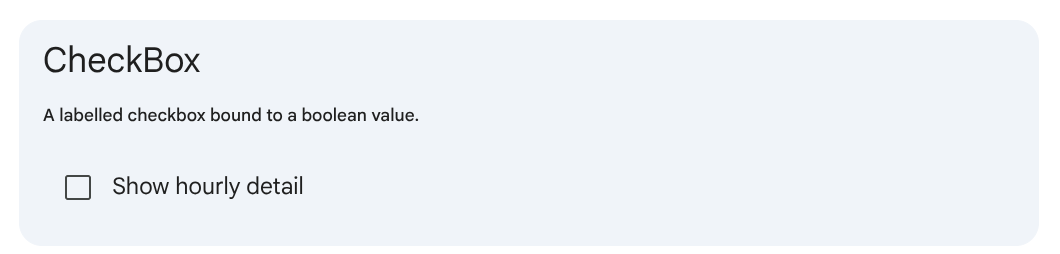
CheckBox
action · client-boundGoogle Chat Cards v2 ✓A labelled checkbox bound to a boolean value.
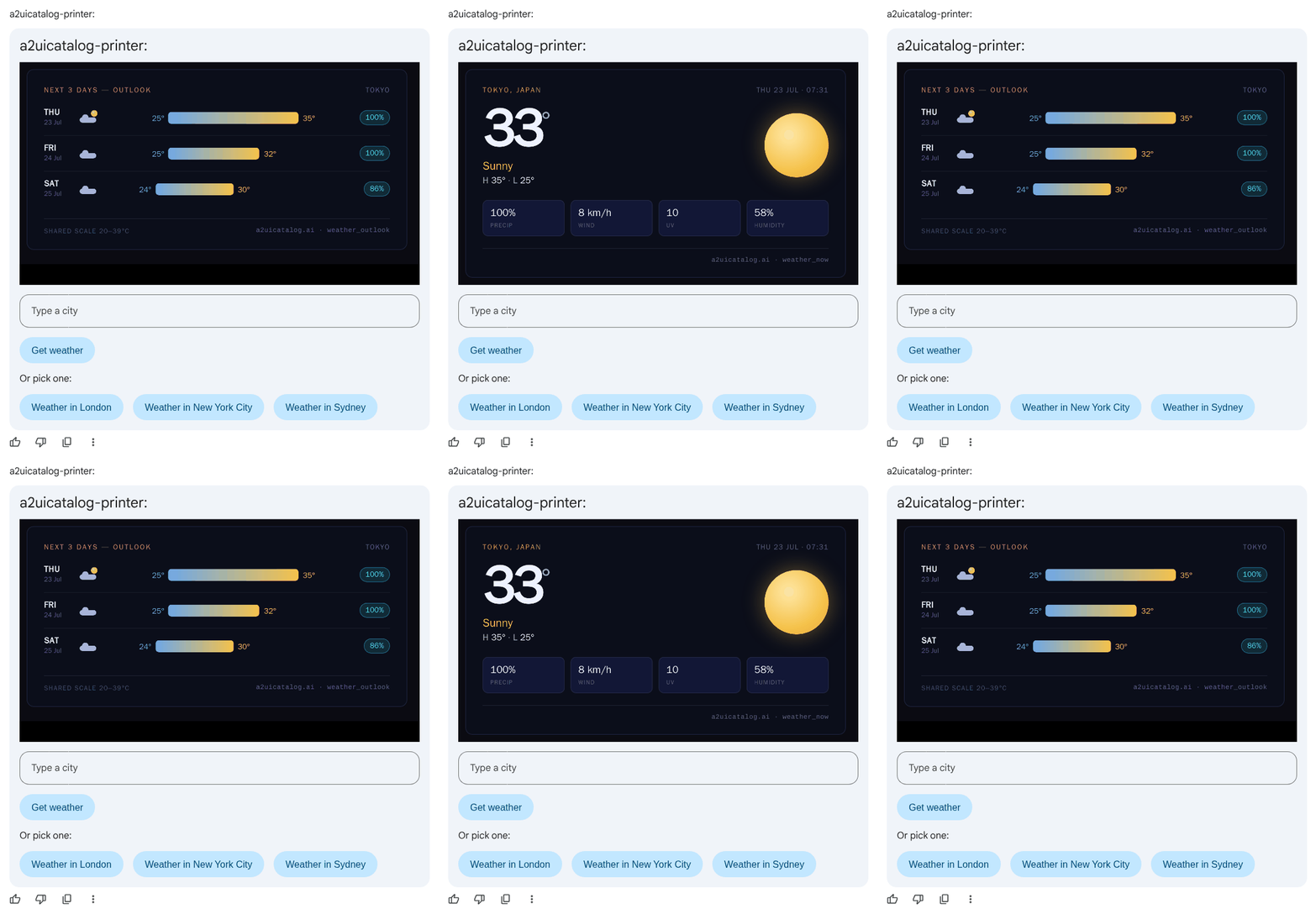
TextField
action · round-tripGoogle Chat Cards v2 ✓A text input, two-way bound to the data model.
03Inputs
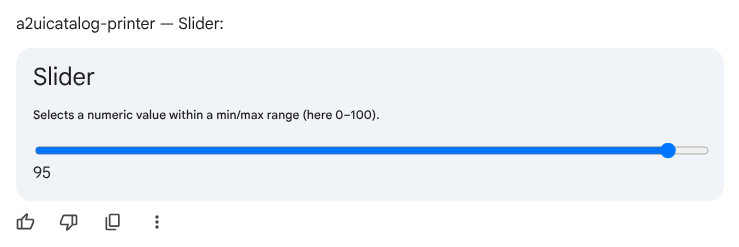
Slider
input · client-boundGoogle Chat Cards v2 ✗Selects a numeric value within a min/max range.
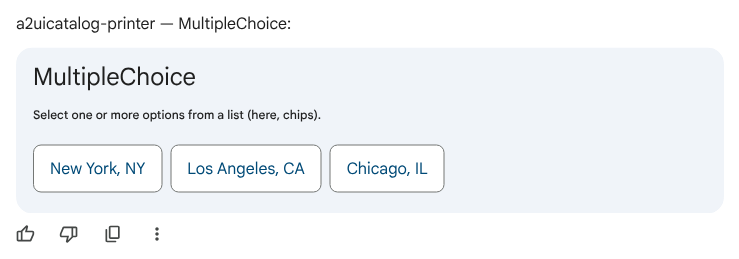
MultipleChoice
input · client-boundGoogle Chat Cards v2 ✓One or more selections from a list.
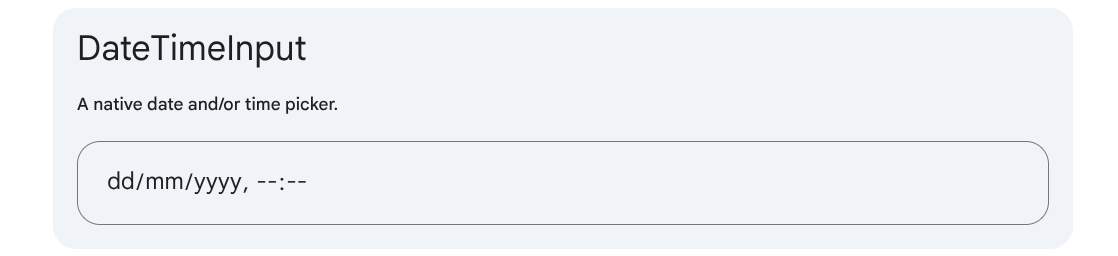
DateTimeInput
input · client-boundGoogle Chat Cards v2 ✓A native date and/or time picker.
04Navigation
Tabs
navigation · client-onlyGoogle Chat Cards v2 ✗Tabbed panels, one visible at a time.
teTabs` exception. Bare array is the real v0.8 shape.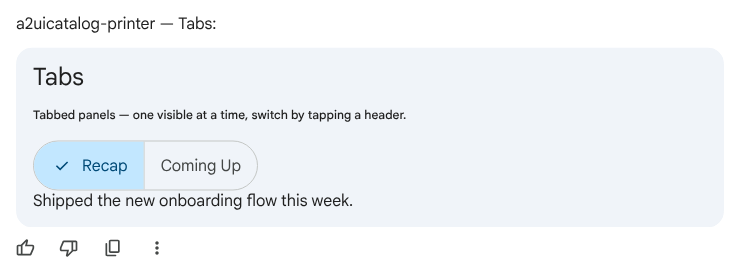
05Overlays
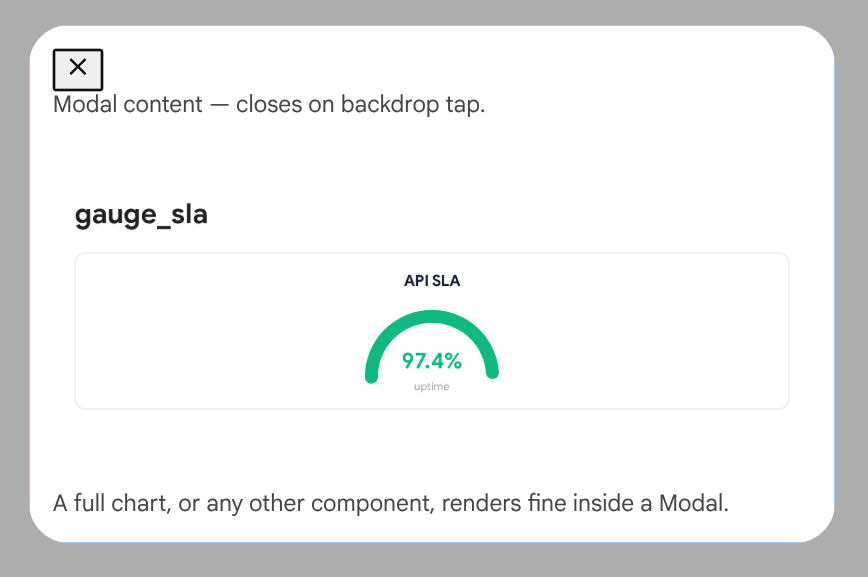
Modal
overlay · full tree hostGoogle Chat Cards v2 ~A trigger that opens a dialog over the conversation.
06Media & display
Text
displayGoogle Chat Cards v2 ✓Displays text with simple Markdown formatting.
Image
displayGoogle Chat Cards v2 ✓Displays an image from a URL.
sankey_flow here isn't a live chart primitive — it's a server-rendered PNG pushed through Image, since GE's client only recognises the 18 standard primitives.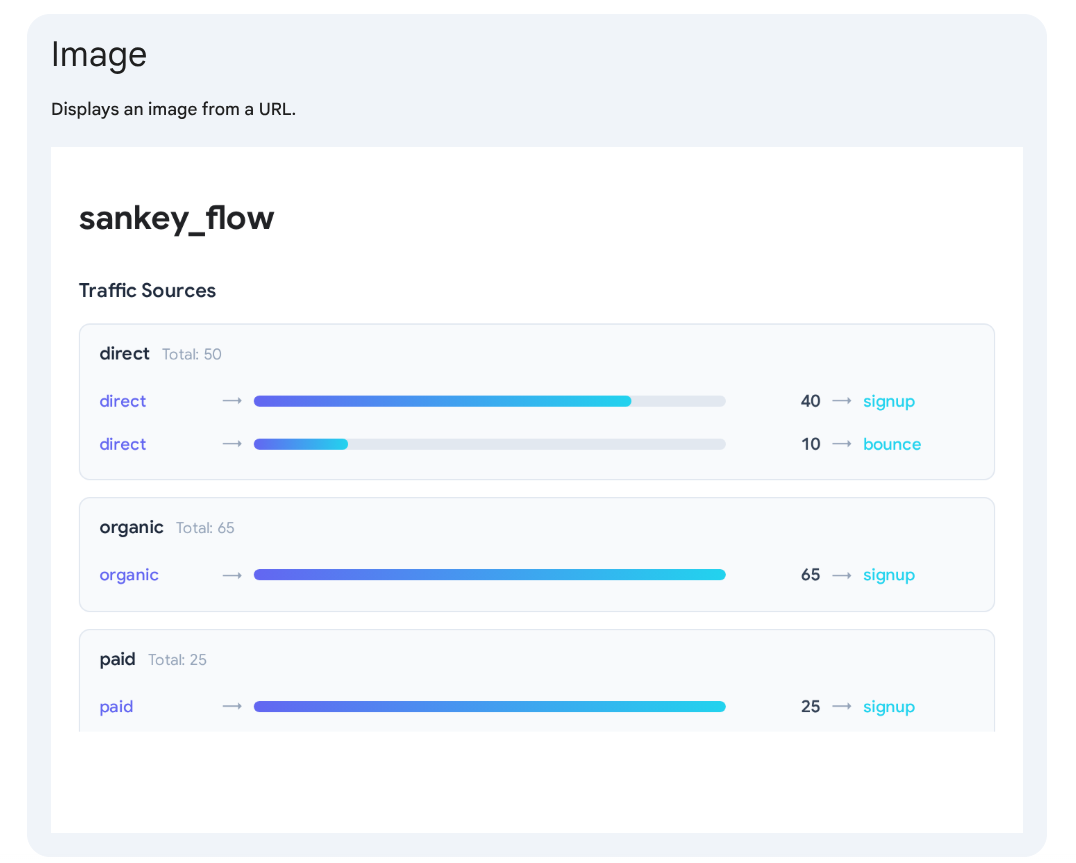
Icon
displayGoogle Chat Cards v2 ✓A system icon (Material Symbols).
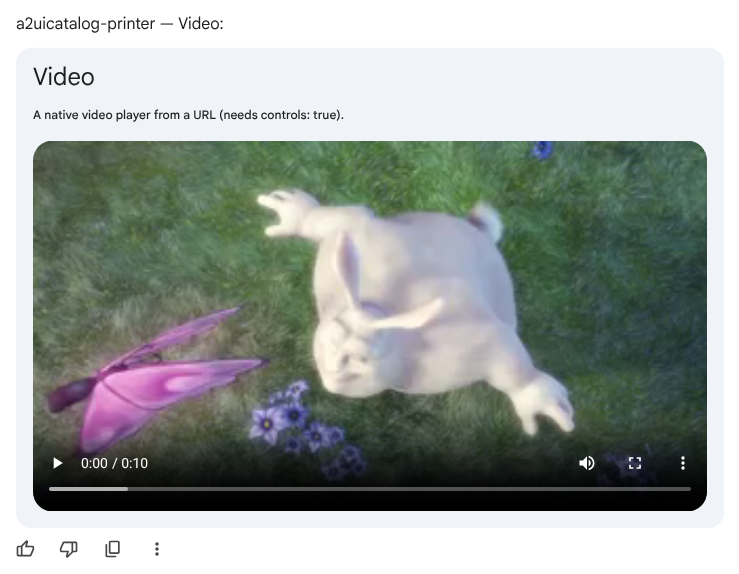
Video
displayGoogle Chat Cards v2 ✗A native video player from a URL.
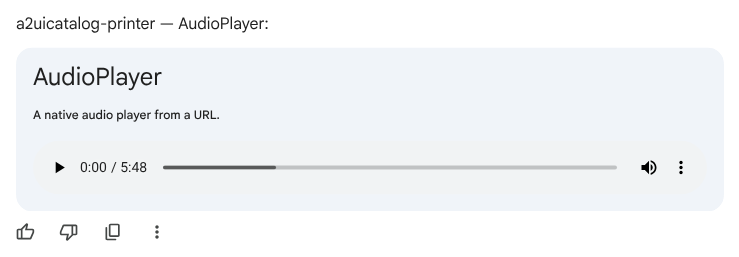
AudioPlayer
displayGoogle Chat Cards v2 ✗A native audio player from a URL.
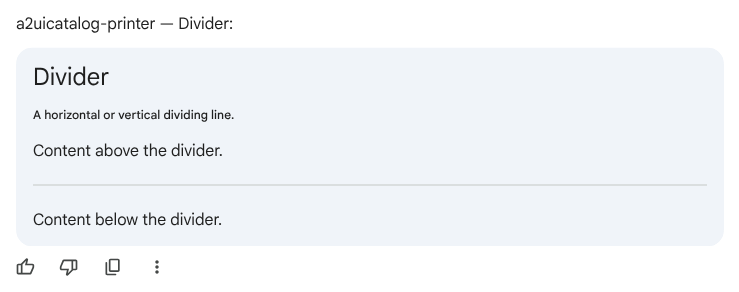
Divider
displayA horizontal or vertical dividing line.
The Demo Agent/App: Wall-Building Configurator
To test the real-world limits of native A2UI execution, I built a working agent app with Claude: an agent-driven wall-building configurator. I like this category of use case — multi-input, looped interactions with artifacts that get exported straight to a Google Drive repository.
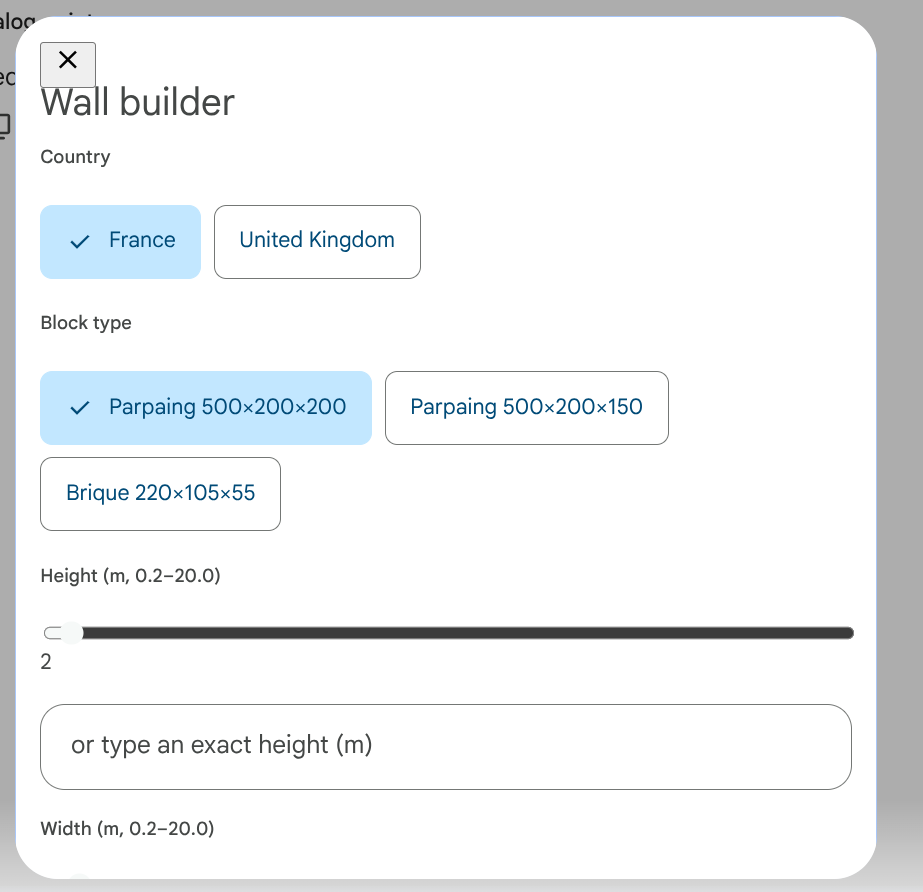
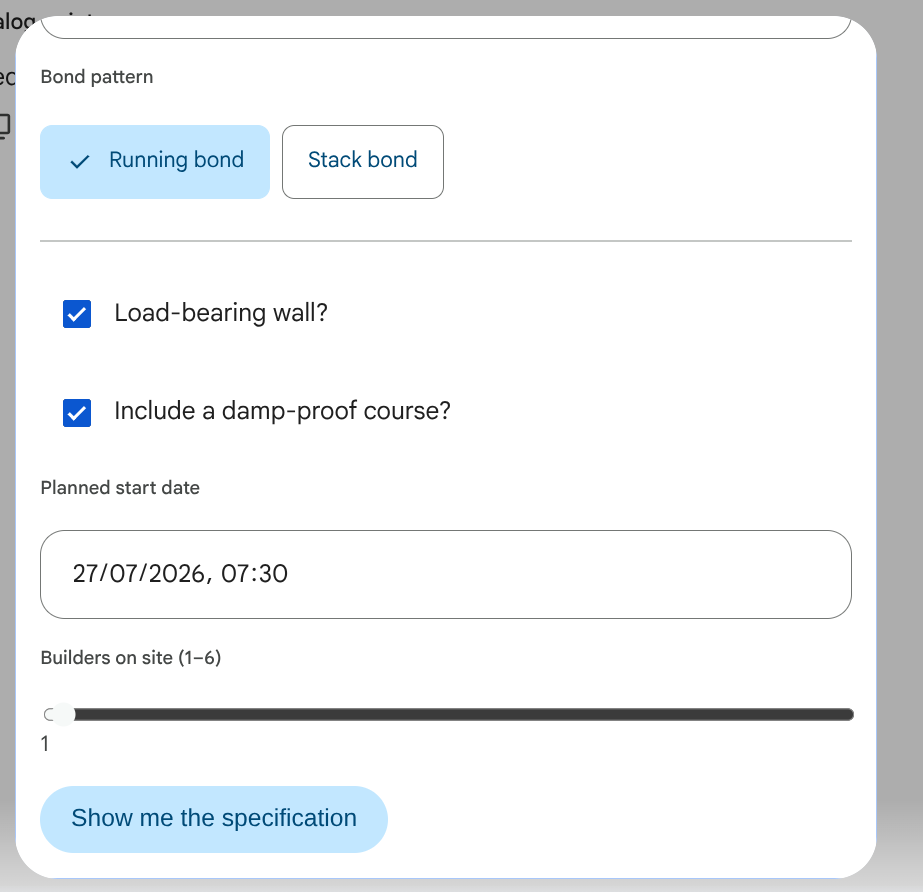
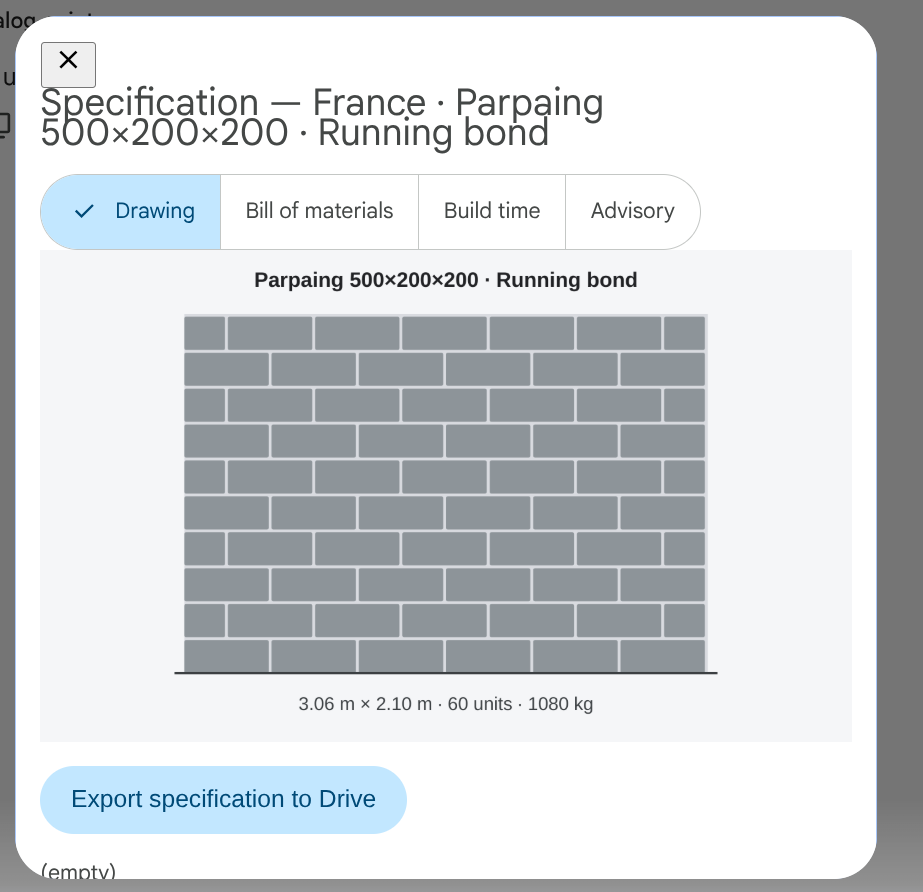
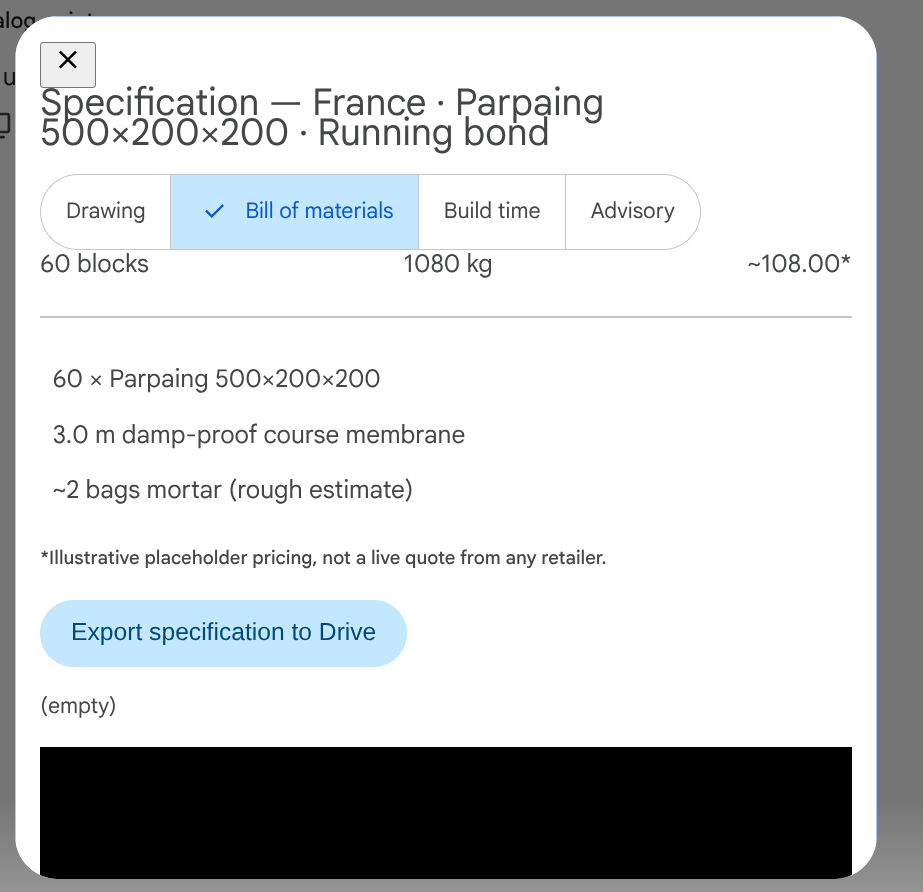
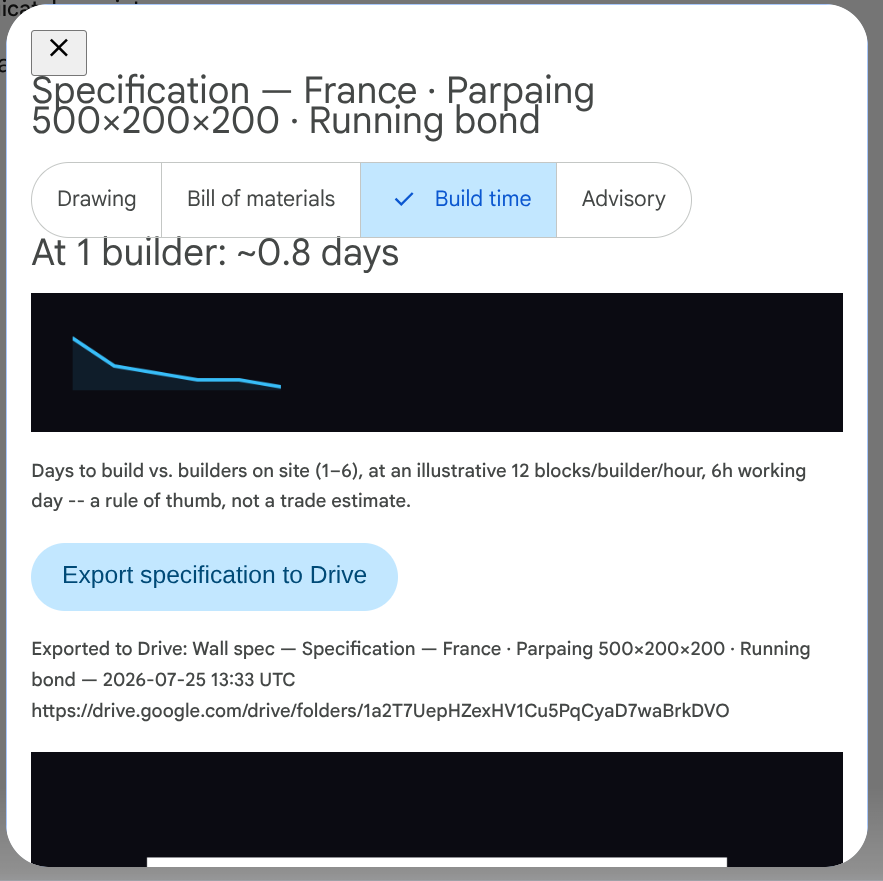
The workflow: tell the agent the wall's height and width, block type, bond pattern, load-bearing requirements, damp-proof course toggles, planned start date, and crew size. The agent calculates material requirements, total weight, and an illustrative crew-size build curve, then patches the live specification directly back into the existing card — in place, with no chat spam.
This served as a practical test of 18 primitives composed in unison — not 18 isolated probes stitched together afterward:
MultipleChoicefor country, block, and pattern selection.SliderandTextFieldbound together for physical dimensions.CheckBoxfor structural toggles.DateTimeInputfor scheduling.- Nested
Modals (explicitly testing whether GE's renderer supports modals inside modal content — it does). Tabssplitting output across Drawing, Bill of Materials, Build Time, and Advisories.- Server-rendered SVG elevation delivered via the
Imageprimitive. Buttonactions that trigger a backend export to Google Drive, complete with a scannable QR code.
Nested Modal-in-Modal wasn't just observed working inside this composite flow — it was retested afterward as its own isolated, single-purpose probe and confirmed live on its own, independent of Wall Builder's other state.
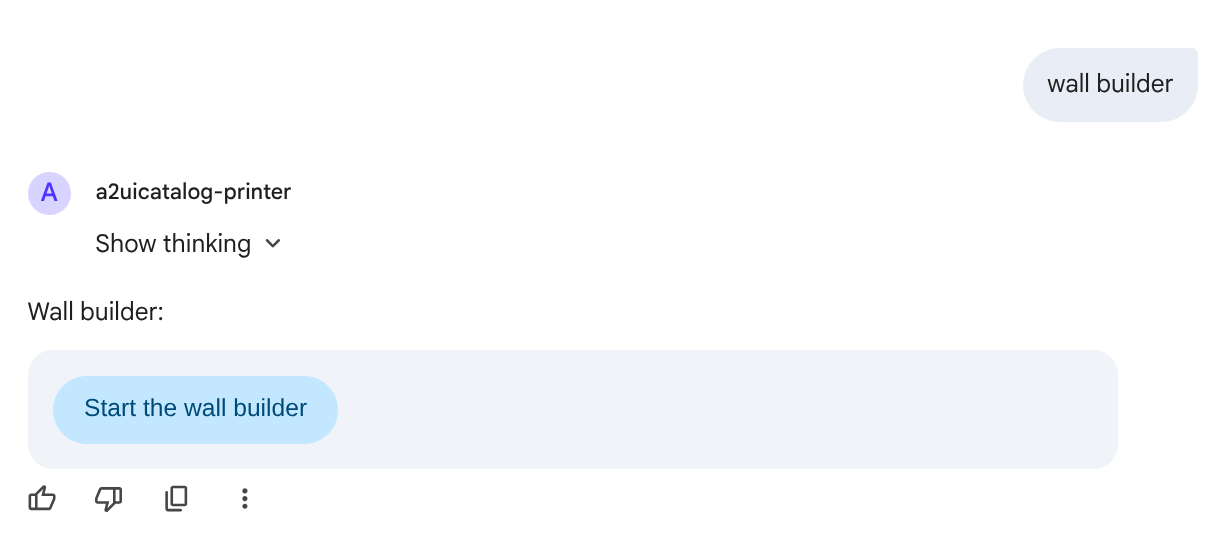
Click through the real flow below — the highlighted (filled, larger) pin on each screen is the one a real user would actually click next; every other pin just shows what primitive that piece of UI is and what's notable about it.
Wall Builder
An agent-driven A2UI v0.8 demo (a2uicatalog-printer) — one surface, patched in place, from form to an exported spec in Google Drive. Only two clicks in the whole flow ever reach the agent; click the highlighted control on each screen to advance.
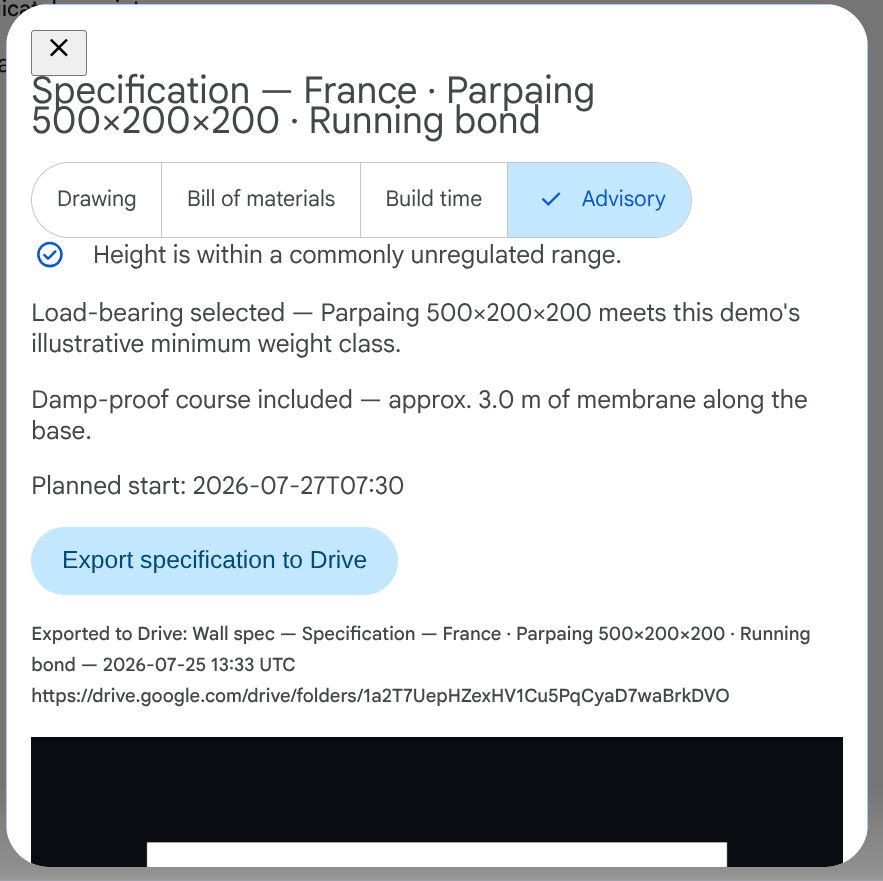
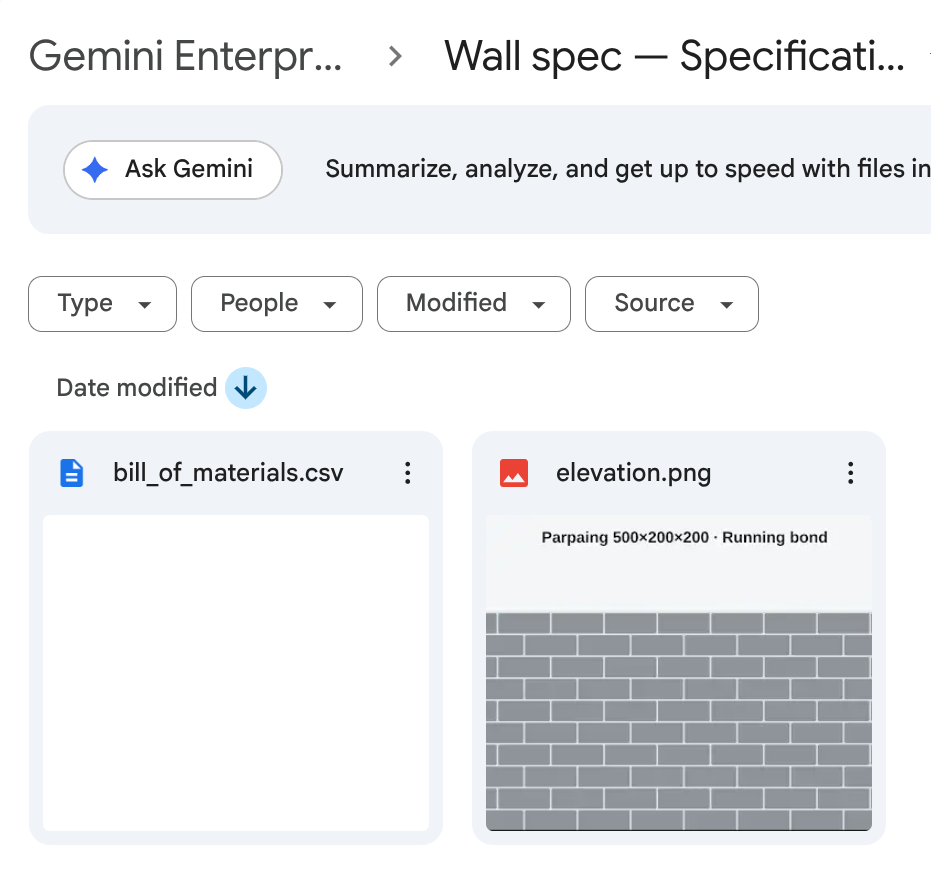
Request flow — Fig. 1
Two real round-trips to the agent — everything else is the A2UI client binding fields locally.
Export identity chain — Fig. 2
The Drive write never runs as the Cloud Run service's own identity — it borrows a narrower one for exactly that call.
Stage by stage — Fig. 3
Children-list mutation — resolved
D2 Architect
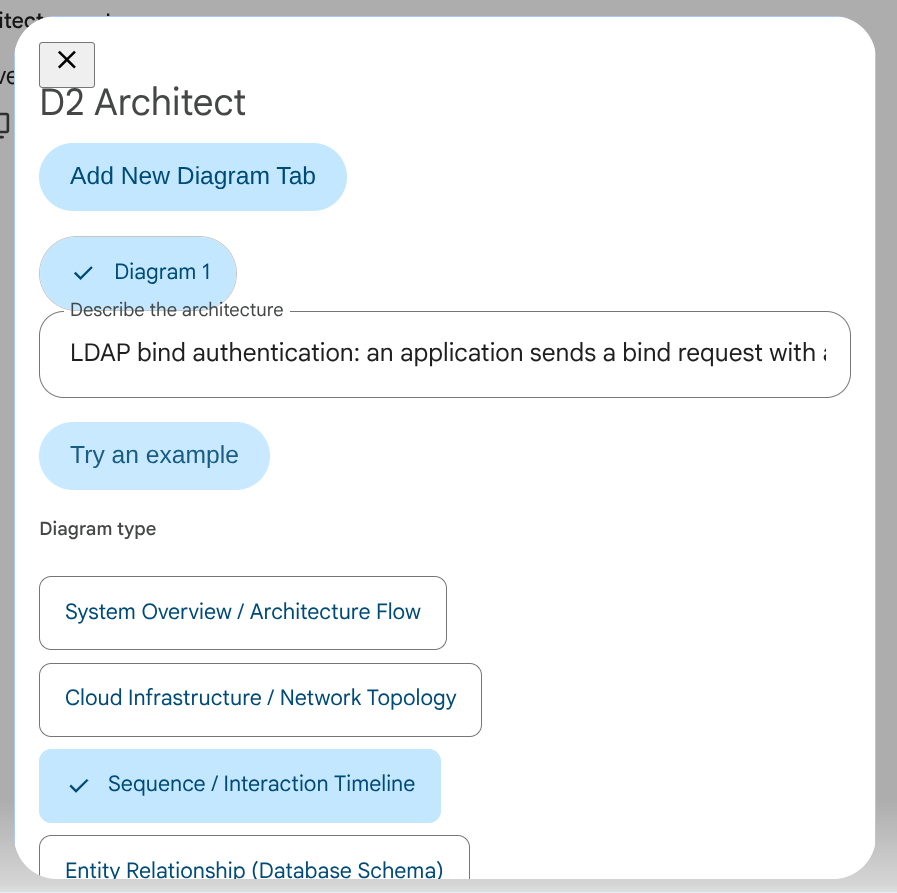
A real Gemini Enterprise agent (d2-architect-agent) that turns a plain-language description into a rendered D2 diagram — click the highlighted control on each screen to advance, exactly as a real user would.
noop — the established convention for a Button that only needs to reveal already-declared content: it still dispatches a real userAction (every Button must carry one), the agent just replies with a bare text ack instead of computing anything.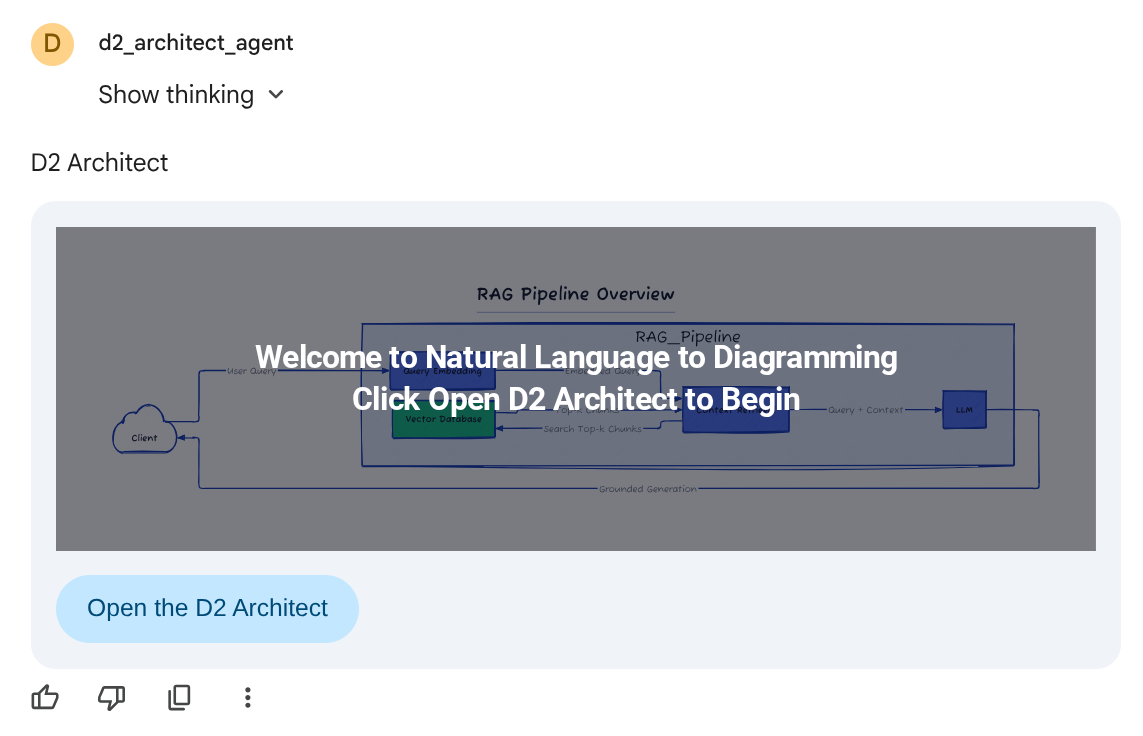
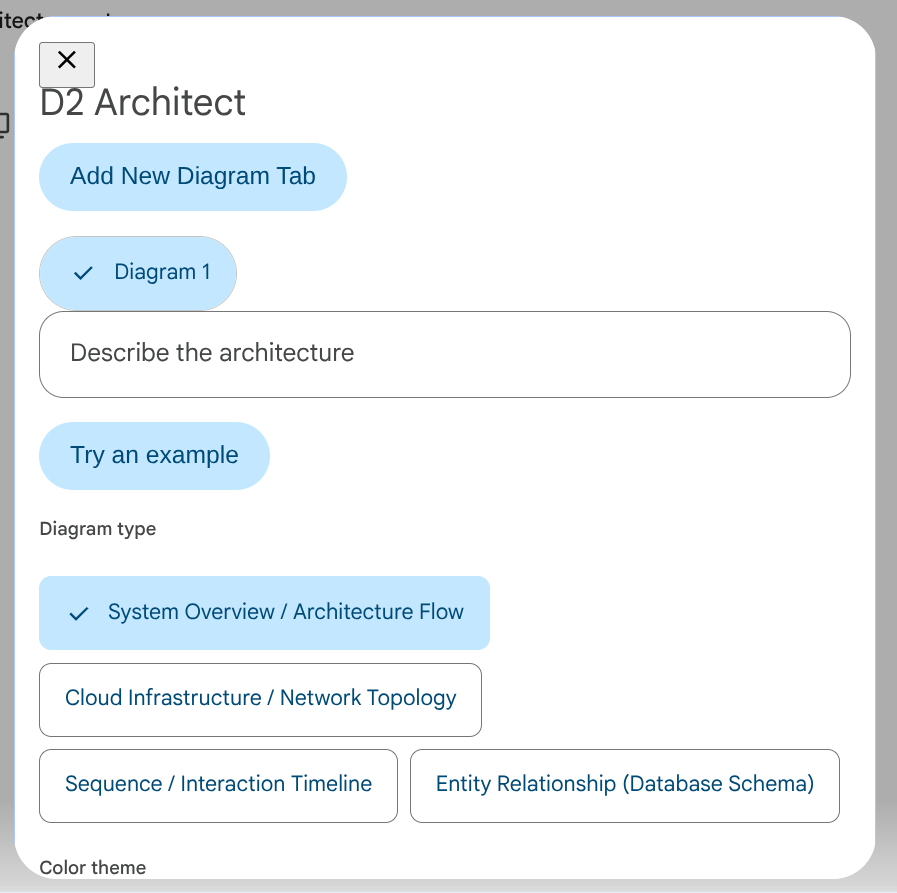
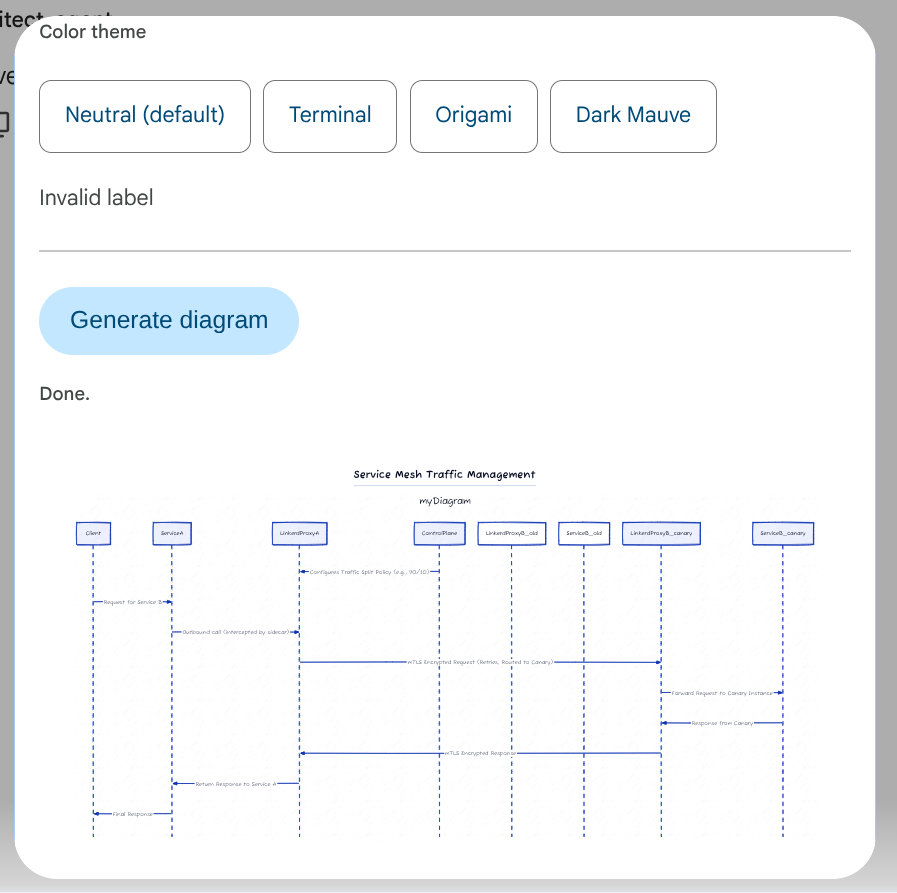
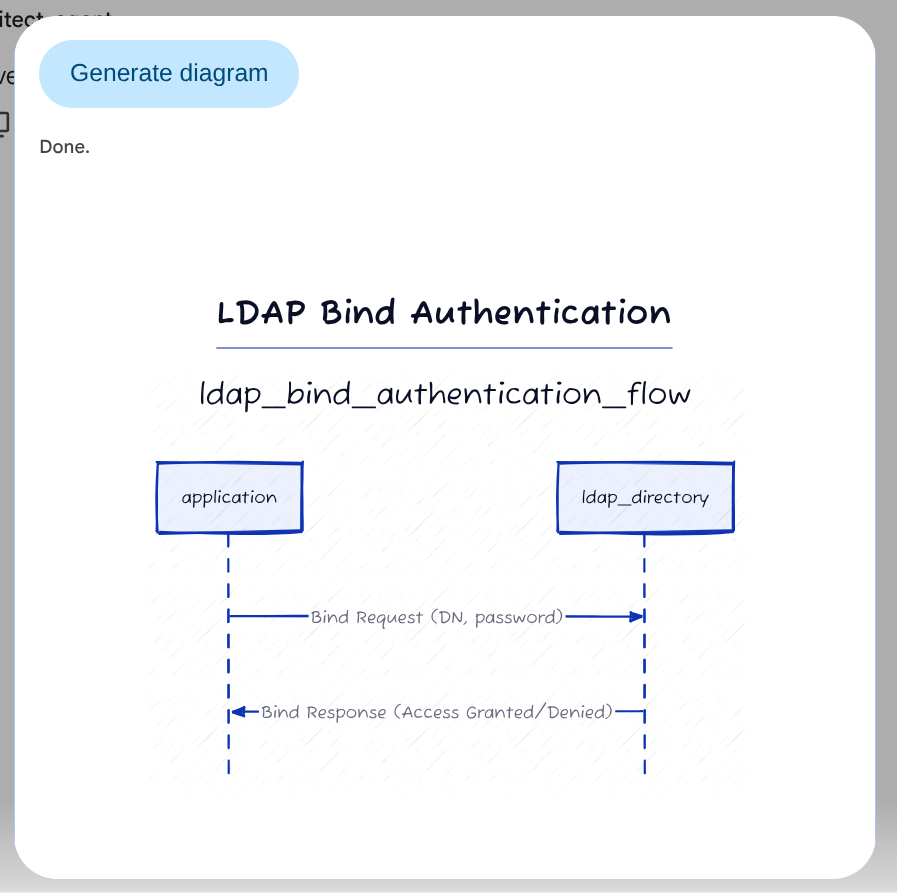
Request flow — Fig. 4
Four real round-trips to the agent — everything else is the A2UI client binding fields locally, same discipline as Wall Builder's Fig. 1.
Round-trips, by action name
Confirmed directly against the agent's own source (main.py) rather than guessed from behavior.
A real, confirmed rendering bug
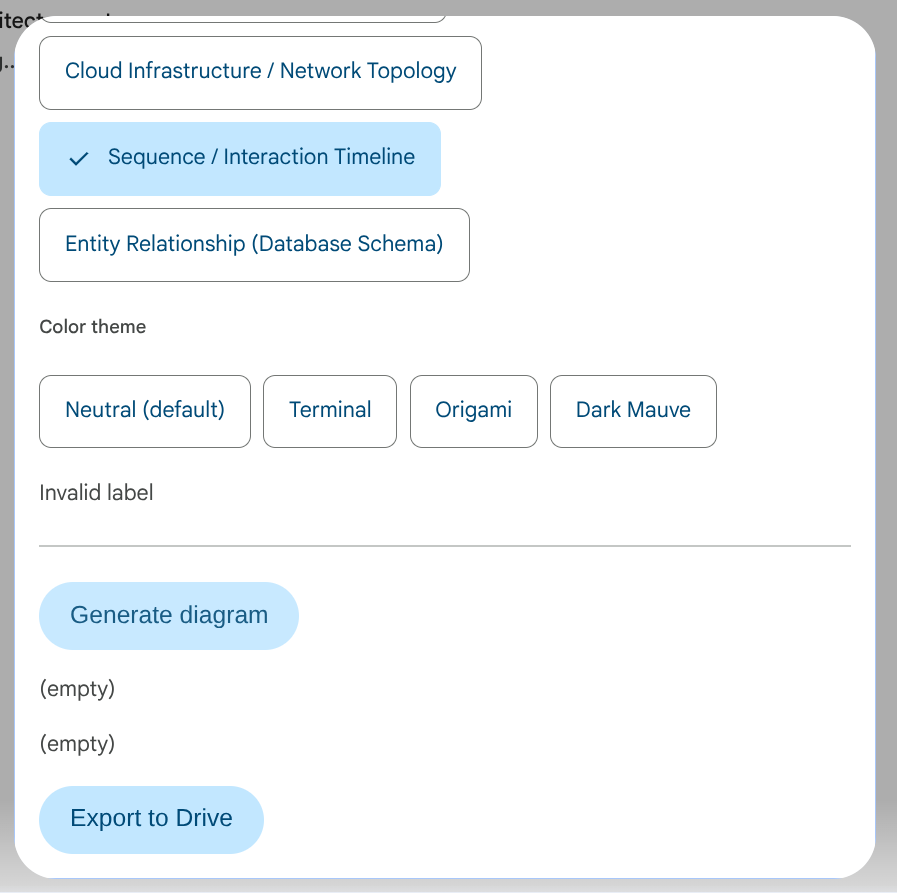
label: {literalString: "Sketch style"}, verified directly). The checkbox itself still renders and binds correctly — this is specifically a label-text rendering defect on GE's client, not a declaration mistake. Worth contrasting with Wall Builder's tour above, where the same CheckBox primitive renders its labels correctly both times.The Second Demo Agent: D2 Architect
Wall Builder tests composing 18 primitives into one looped, multi-input flow. The second demo agent, D2 Architect, tests a different shape entirely: natural-language-to-diagram generation, with independent, parallel state across multiple tabs.
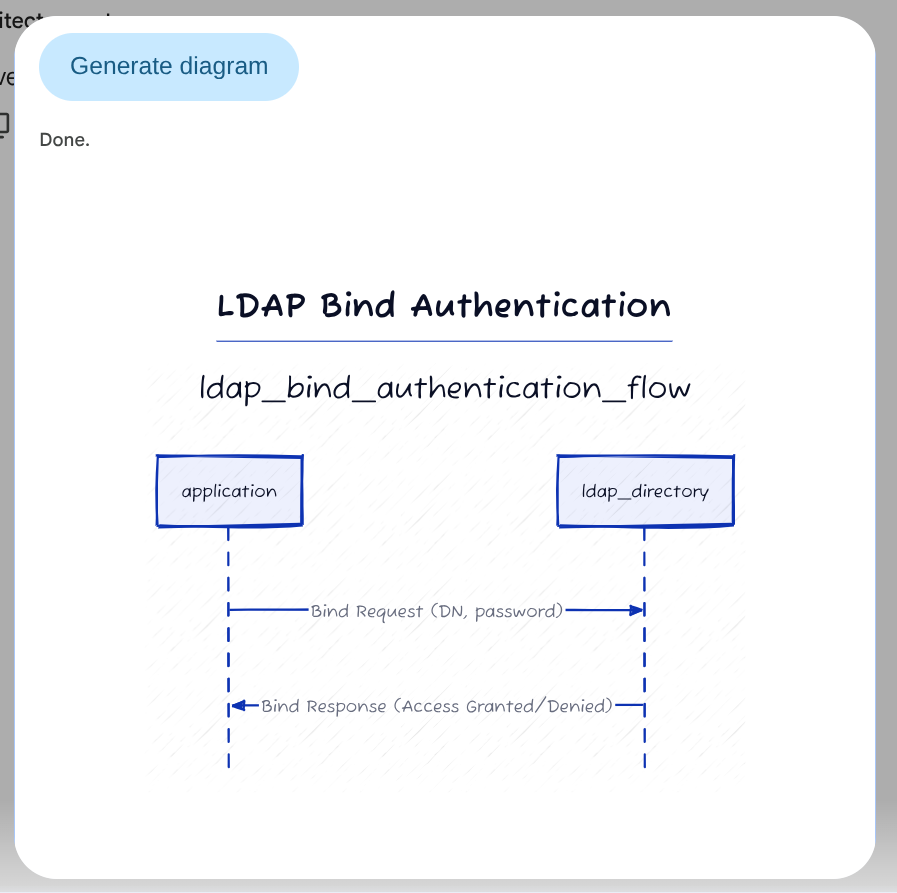
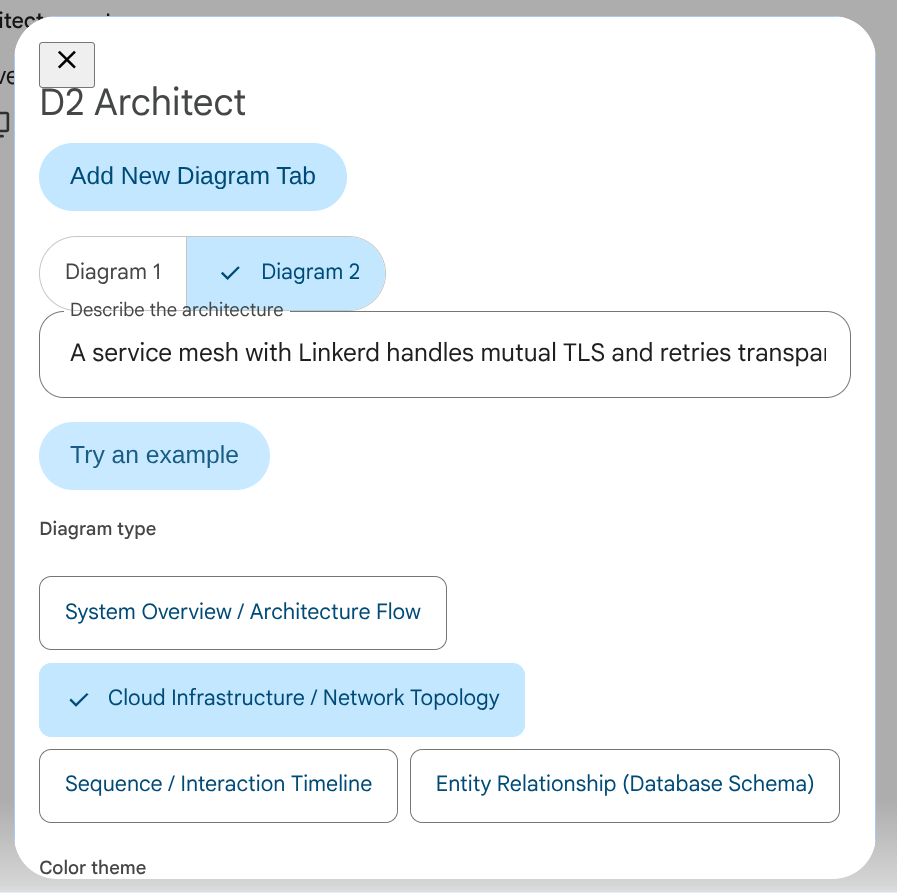
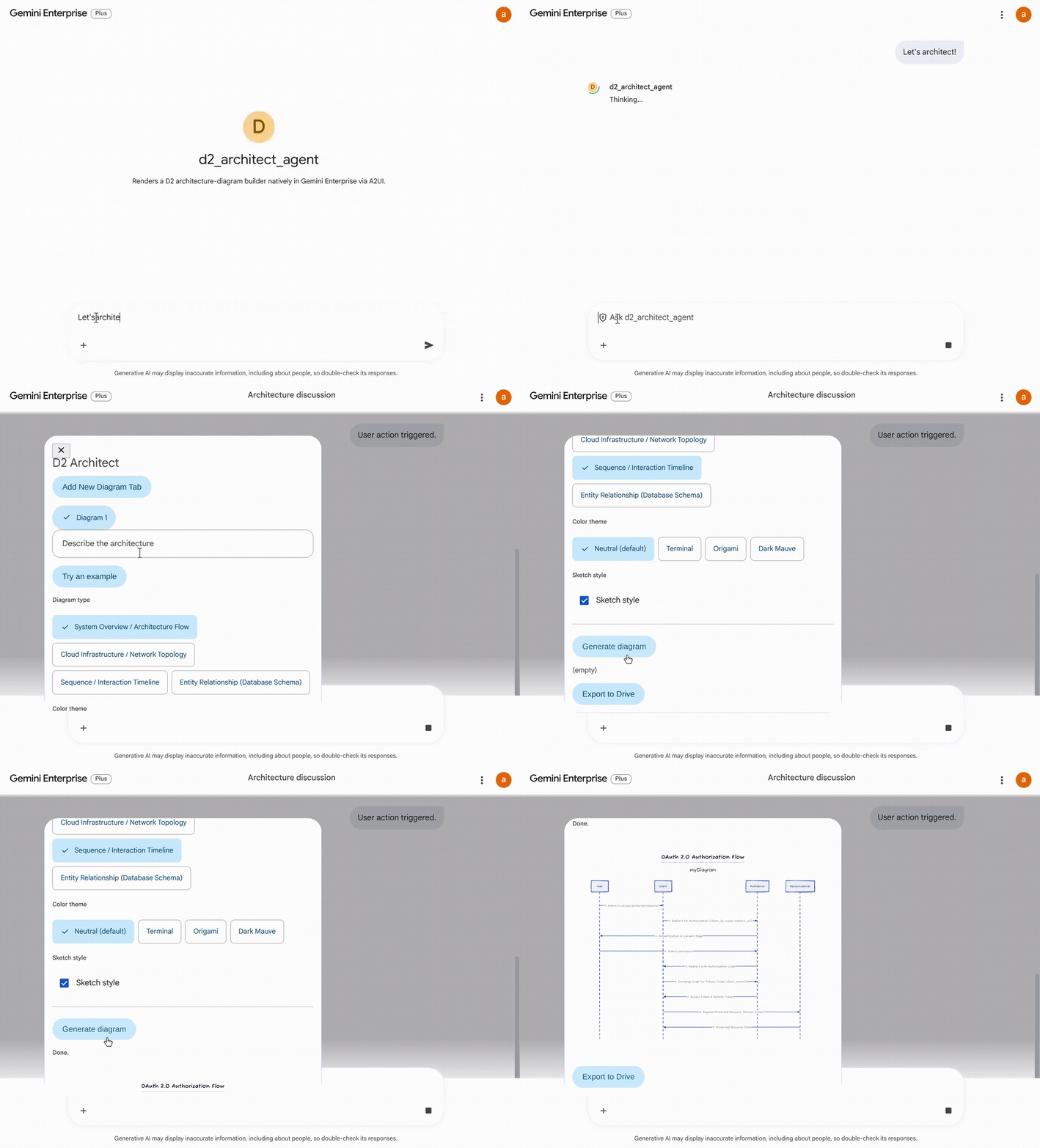
The workflow: describe an architecture in plain language, pick a diagram type (Cloud Infrastructure / Network Topology, Sequence / Interaction Timeline, Entity Relationship), a colour theme, and whether to render it in a hand-drawn "sketch" style. The agent turns that into real D2 source, compiles it server-side, and returns the rendered SVG in place. Opening a second tab and generating a second, unrelated diagram there doesn't touch the first — switching back, tab one's diagram is exactly as it was left.
Modalopening the whole generator over the chat,MultipleChoicechips for diagram type and colour theme,CheckBoxfor the sketch toggle.Tabsholding fully independent diagrams — each tab's own D2 source, own render, own Export-to-Drive action; nothing shared but the surface.- Server-rendered SVG delivered via the
Imageprimitive, the same delivery mechanism the print-rendering workaround in Part 2 later builds on. Buttonactions round-tripping to a real D2 compile step and a Drive export — the "D2 Architect's four round-trips" referenced below.
Two bugs surfaced and got fixed building this one, both worth knowing if
you're generating D2 yourself: an LLM-authored shape: box meant "draw a
rectangle," but D2 reserves box/arrow/triangle/cross/none/cf-*
exclusively for arrowheads — a legal-shapes allow-list in the generation
prompt closed that. And the same CheckBox "Invalid label" quirk from the
primitive teardown above hit this agent's own sketch-style toggle first —
fixed with the same defensive Text-sibling pattern.
Screen-recorded live, unedited — description in, form, generate, and the independent second-tab diagram, all in one take (and yes, that's "OAuth" misspelled as "Oauth" in my own typing — unedited means unedited):
Both agents above
are published as real source you can deploy yourself —
wall-builder-agent
and
d2-architect-agent.
One gotcha worth knowing before you register either one, confirmed live
rather than assumed: the identity Gemini Enterprise actually calls your
agent as is its Discovery Engine service agent
(service-YOUR_PROJECT_NUMBER@gcp-sa-discoveryengine.iam.gserviceaccount.com),
not a per-agent "reasoning engine" principal — granting the wrong one
gets you a registered agent that's visible in the console and 403s the
moment you actually message it. Both READMEs have the exact
gcloud run services add-iam-policy-binding command; save yourself the
debugging loop.
Key Takeaways & Wishlist
While custom catalogs aren't natively accessible in the console yet — likely a deliberate choice for stability and security governance while the initial paradigm is understood and feedback gathered — the power of these 18 primitives is undeniable. Both demos above share the same shape: declare the full result tree once as placeholders, bind every input client-side, and reach the agent on exactly the clicks that need real computation — never more. Wall Builder's two round-trips and D2 Architect's four are the entire server traffic for a multi-step, stateful-feeling app; everything else is the A2UI client doing what it was built to do.
The user interface footprint within Gemini Enterprise is intentionally constrained, but what you can orchestrate within that space is remarkably rich.
My Gemini Enterprise A2UI Wishlist
Developer Tooling & Spec Fidelity
Documented Support for Incremental Container Mutation — Through isolated testing, I confirmed GE's client renderer supports incremental updates: an agent can append a new child ID to an already-open Column across turns without wiping the existing slot. Confirmed for additive changes on Column; removal, and other container types, remain untested. Worth formally documenting rather than leaving developers to rediscover it blind.
A Native Dev/Debug Protocol Inspector — Right now, diagnosing A2UI
behavior in GE requires "archaeology" — grepping backend agent logs to
trace action names. A built-in developer inspector, or a simple "View
Raw A2UI Wire Traffic" toggle inside the GE console, would let developers
observe surfaceUpdate and userAction payloads in real time,
dramatically speeding up development.
Field-Level Spec Fidelity & Conformance Suite — While GE's renderer
executes the core 18 primitives well, there are subtle spec-drift bugs —
such as DateTimeInput.enableTime: false being ignored, or CheckBox
string literals rendering as "Invalid label." GE's client renderer needs
a dedicated conformance test surface against its own documented A2UI spec
contract, to ensure edge-case properties render reliably.
Enterprise UX & Platform Capabilities
Expanded UI Canvas / Workspace Mode — The current card footprint in GE is relatively narrow. A toggle to expand cards into a full-width canvas mode would give dense, multi-tabbed micro-apps — like spatial calculators or interactive diagram builders — the visual room they need to breathe.
Custom Catalog Extensions (catalogId Support) — While limiting the
GE console to the core 18 primitives ensures stability today, allowing
enterprise admins to register and inject organization-approved custom
component catalogs (via catalogId) will be essential for deeper
enterprise adoption.
Persistent UI State Across Session Resumes — Preserving interactive A2UI card states across chat session reloads, so returning users can resume interacting with dynamic cards without re-triggering agent execution turns.